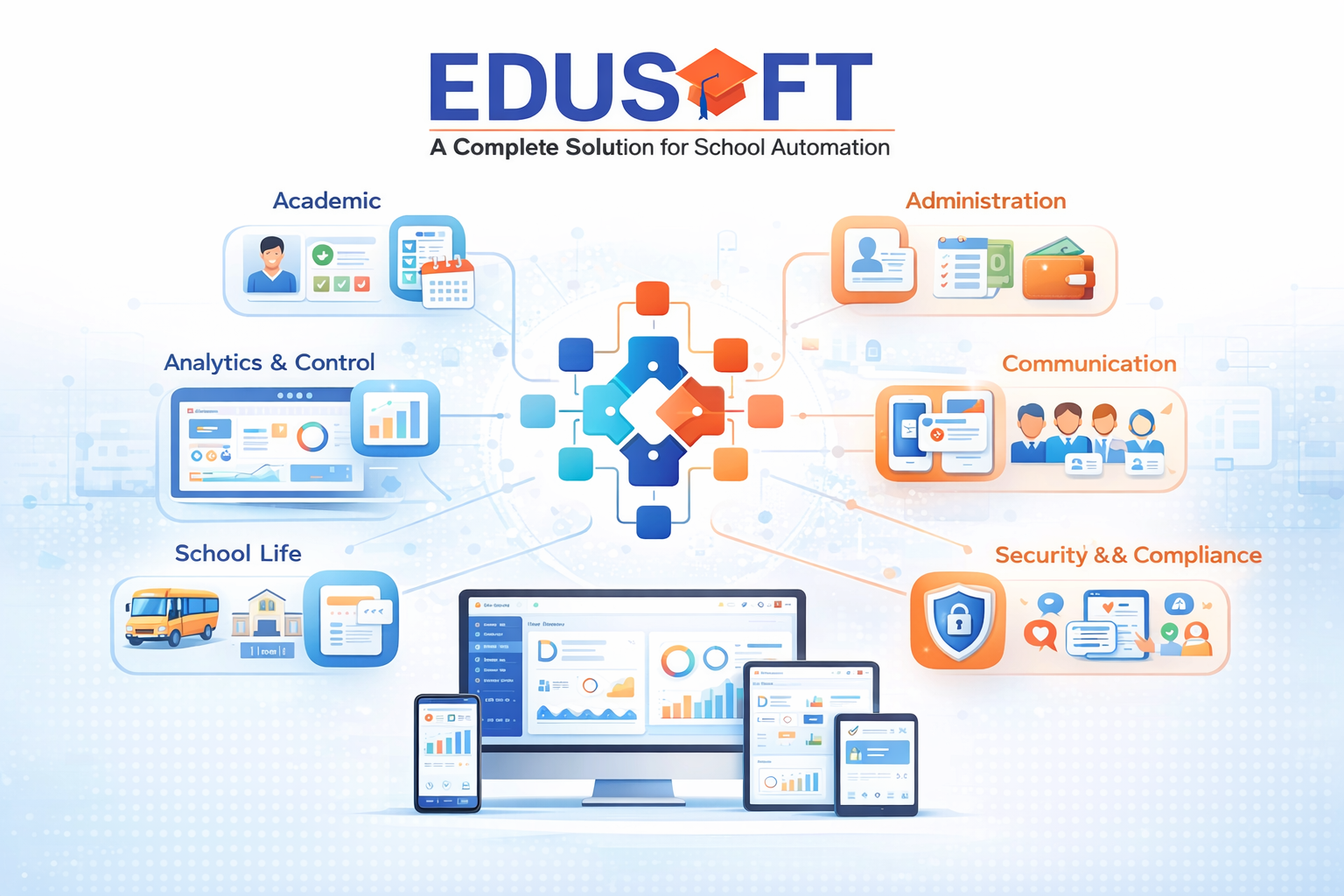
The School Management Software developed by Autocratic Technosoft Pvt. Ltd. is an integrated digital platform designed to manage the complete academic and administrative operations of an educational institution. The software centralizes all school activities into one system, allowing schools to function in a structured, transparent, and efficient manner. The software replaces manual registers, spreadsheets, and disconnected systems with a unified digital environment. Every process within the school is interconnected, ensuring that data entered once flows seamlessly across all operational areas. This eliminates duplication, reduces errors, and ensures consistency in information at every level of the institution.
The platform supports the full lifecycle of a student, starting from the first enquiry and admission, continuing through daily academic activities, assessments, fee management, communication, and concluding with exit processes such as transfer certificates and alumni records. Each stage is recorded and tracked, creating a complete and auditable student history. Administrators gain centralized control over school operations through real-time dashboards and reports. Academic performance, attendance trends, financial status, and staff productivity can be monitored instantly, enabling informed decision-making. The system ensures that management always has access to accurate and up-to-date data.
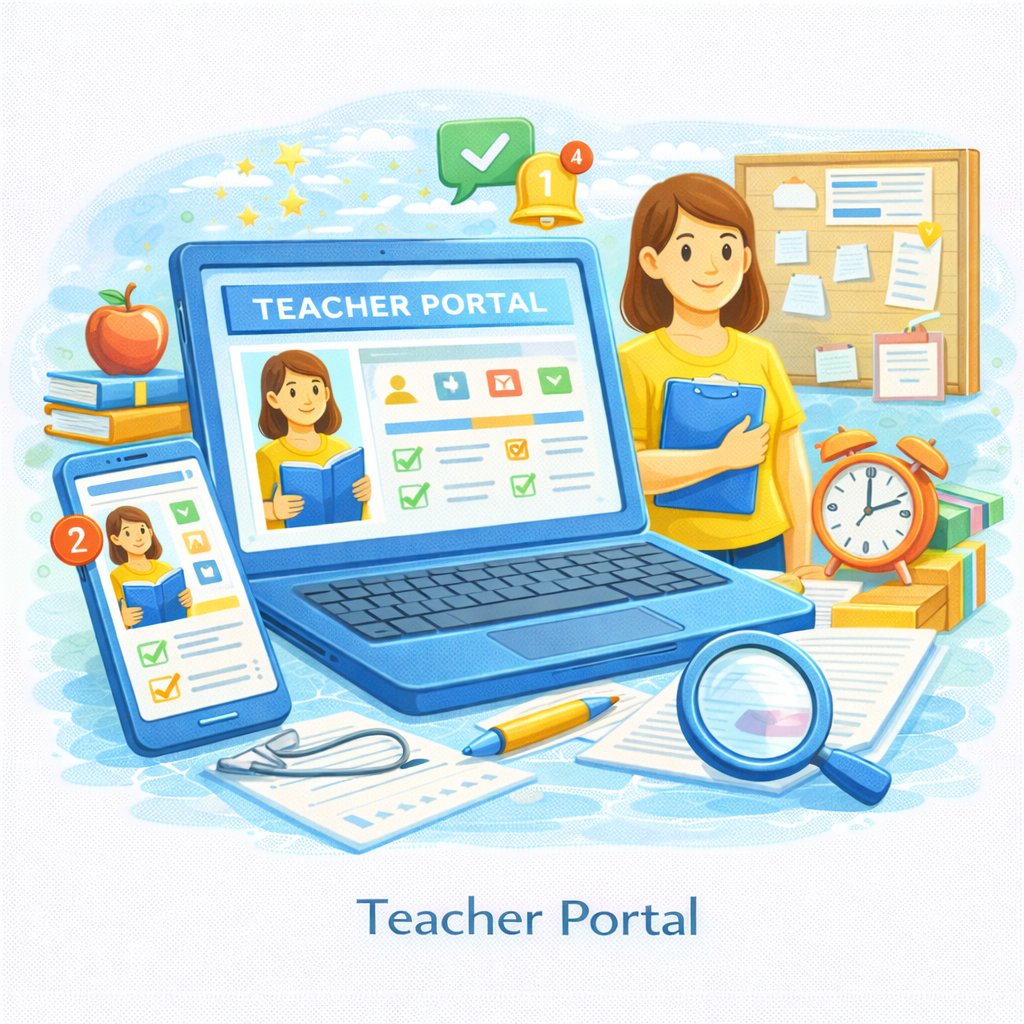
Teachers are provided with tools that simplify daily academic tasks. Attendance marking, lesson planning, assignments, examinations, and communication are managed digitally, reducing administrative workload and allowing educators to focus more on teaching and student development.
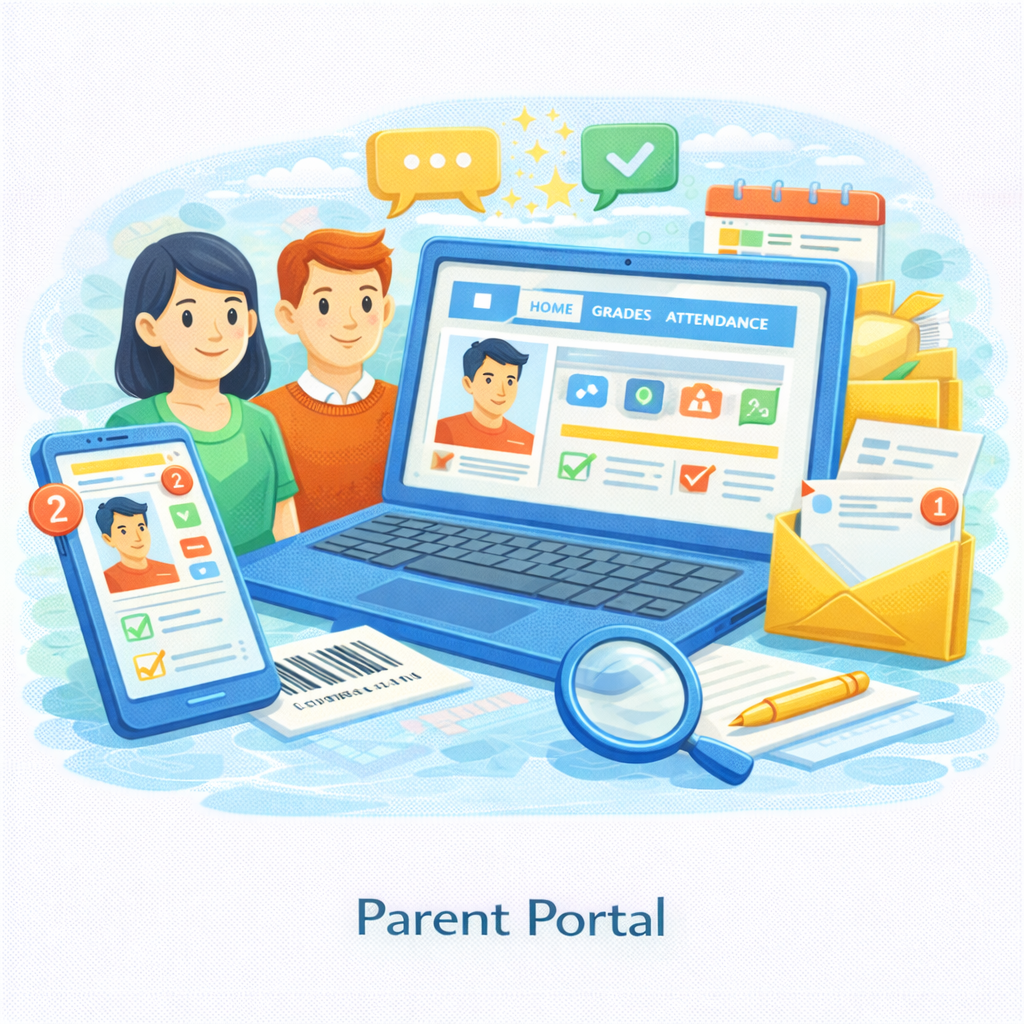
Parents are connected to the school through secure access to academic progress, attendance records, fee status, notices, and communication. This transparency builds trust and ensures parents remain actively involved in their child’s education. The software is built with strong security controls to protect sensitive student and staff data. Role-based access ensures that users can only view or modify information relevant to their responsibilities. Data privacy standards and secure backup mechanisms safeguard institutional information.
The system is highly configurable and scalable, allowing it to adapt to the policies, workflows, and growth of any educational institution. Whether implemented in a single school or across multiple campuses, the software maintains consistency while supporting expansion. Overall, the School Management Software serves as the digital backbone of an educational institution, enabling structured operations, improved efficiency, accurate record keeping, and seamless collaboration among administrators, teachers, students, and parents.
Reduces administrative workload through automation of routine tasks

Improves accuracy in attendance, grading, payroll, and fee management
Provides real-time visibility into academic and operational performance

Enhances communication between parents, teachers, and school management

Ensures secure handling of student and staff data
Scales easily as the institution grows

Supports better planning and data-driven decision-making
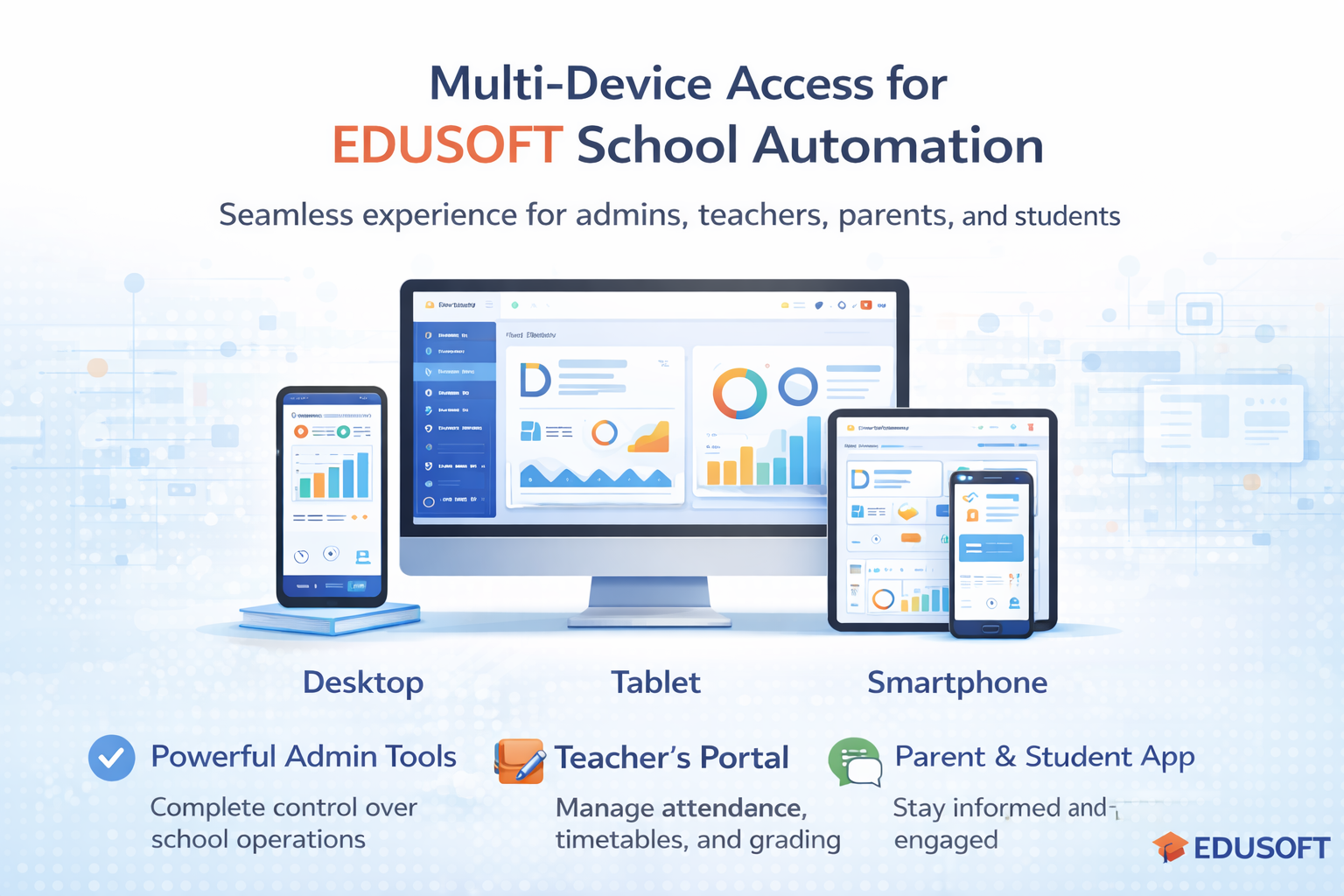
The School Management Software is designed as a single unified platform that works seamlessly across Desktop, Tablet, and Mobile devices. The system automatically adapts its layout, controls, and navigation based on the device being used, while maintaining the same data, security, and workflows.
There is one database, one login system, and one interface logic, ensuring consistency across all devices.
The software does not use separate systems for web and mobile. Instead, it delivers a responsive and adaptive interface that provides the same core functionality across devices, optimized for screen size and usage behavior.

The Desktop interface is designed for administrators, principals, accountants, and office staff who manage large volumes of data and reports.
Desktop access provides:
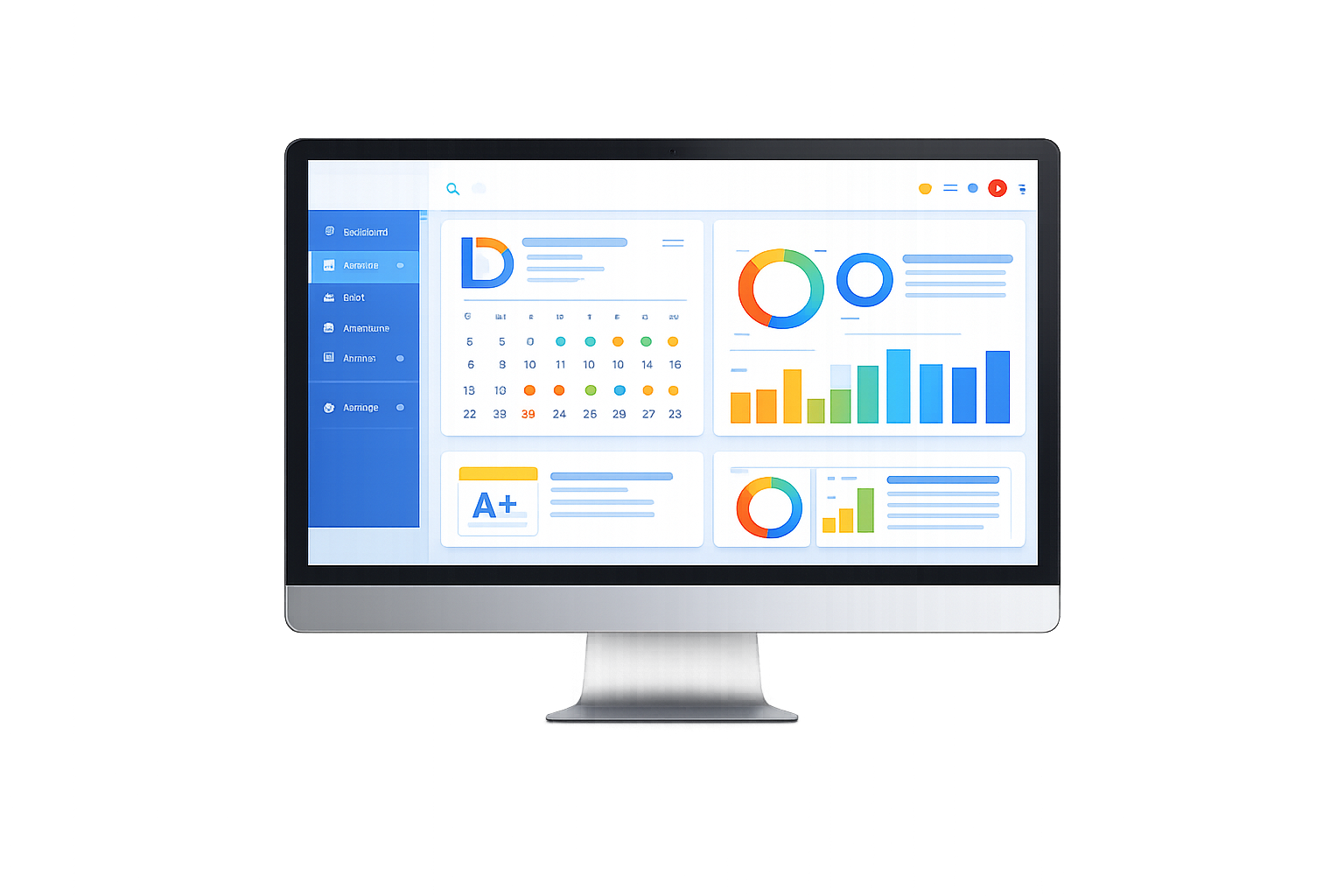
This interface is ideal for daily administrative and management operations.
The Tablet interface is optimized for teachers, coordinators, and supervisors who require mobility within the campus.
Tablet access provides:
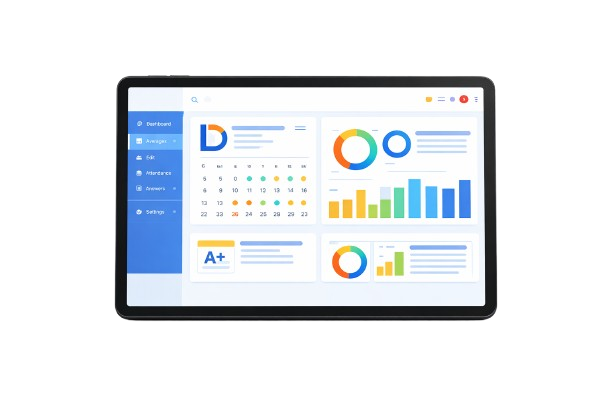
The tablet layout uses touch-friendly controls while keeping all essential features accessible.
The Mobile interface is designed for parents, students, teachers, and support staff who need instant access and notifications.
Mobile access provides:
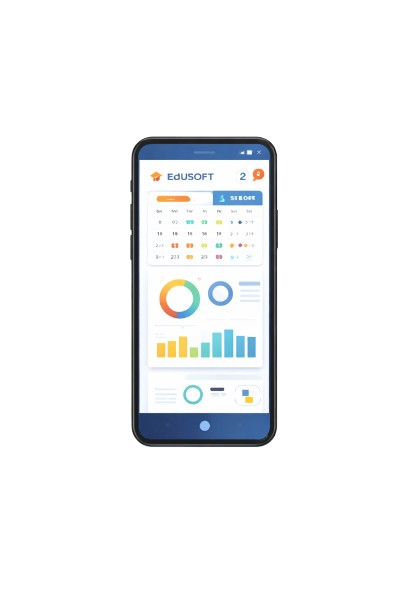
The mobile interface focuses on speed, clarity, and ease of use.
The key strength of the platform is that it is not device-dependent.
Mobile access provides:
The same system scales naturally from a large desktop screen to a tablet and then to a mobile phone without losing usability or control.
Smart school management with clean dashboards and powerful reports


Online classes, study materials, quizzes and progress tracking.
Read more →